


Techhavell tests tools hands-on before writing about them.
No-code automation connects the apps you already use your CRM, your inbox, your invoicing tool so they pass information to each other without you copying and pasting between them. You build the connection once, using a visual editor instead of writing code, and it runs on its own after that. This guide covers what no-code automation actually replaces, what it costs, and where it runs into limits including the parts vendor pages tend to skip.
What Is No-Code Automation, Exactly?
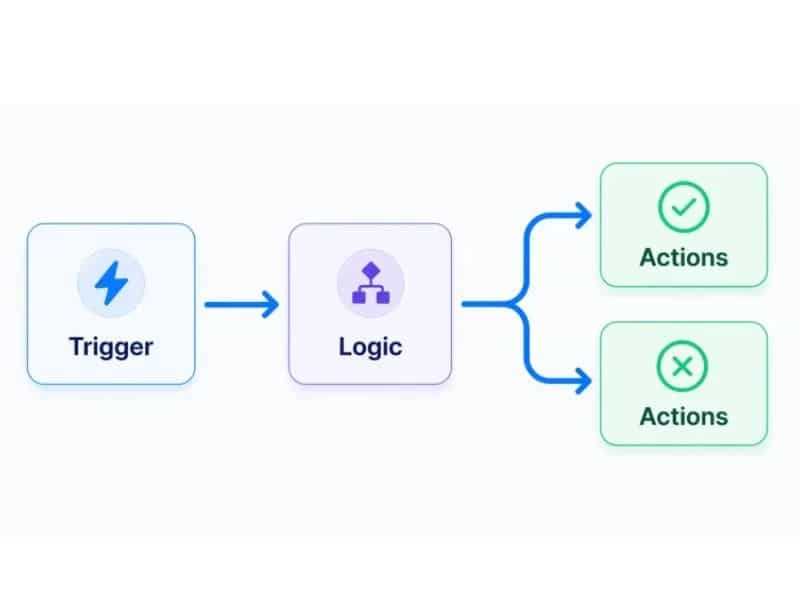
No-code automation is software that moves data between two or more apps automatically, triggered by an event, using a drag-and-drop builder instead of programming. A trigger fires new form submission, a series of steps run add row to spreadsheet, then send Slack message, and no one has to touch it once it’s set up.
The three platforms small businesses actually compare are Zapier, Make, and n8n. Zapier is the easiest to start with and the most expensive at scale. Make gives you more visual control over multi-step logic for a similar starting price. n8n is the cheapest to run long-term if you’re willing to self-host it, but it asks more of you upfront the interface assumes you’re comfortable thinking in steps and conditions, not just picking from a menu.
None of these three is the best in the abstract. A single-person consulting business sending five automated emails a week has different needs than a ten-person e-commerce team processing two hundred orders a day, and the pricing models punish the wrong choice differently for each.
No-Code Automation vs AI Agents: What’s the Real Difference
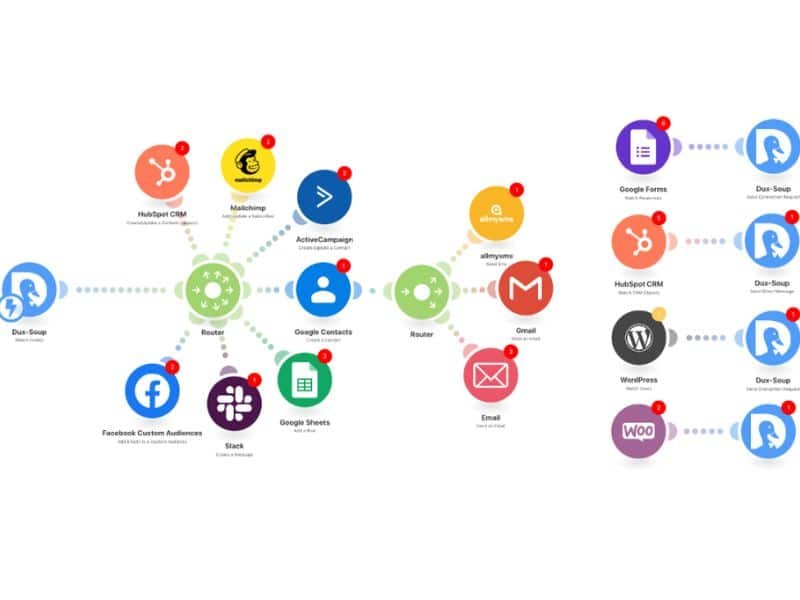
A no-code automation follows a fixed path if this happens, do that, every time, in the same order. It doesn’t decide anything; it executes. An AI agent, by contrast, can look at unstructured input (an email, a customer message) and decide what to do next based on context, not just a trigger.
In practice, most small businesses need both, not one instead of the other. A no-code tool might route a new lead into your CRM and notify your sales inbox a fixed, predictable job. An AI agent might then read that lead’s message and decide whether it needs a human reply or can get an automated one a judgment call.
If you’re still deciding which category fits your situation better, walks through that decision directly.
What No-Code Automation Actually Costs
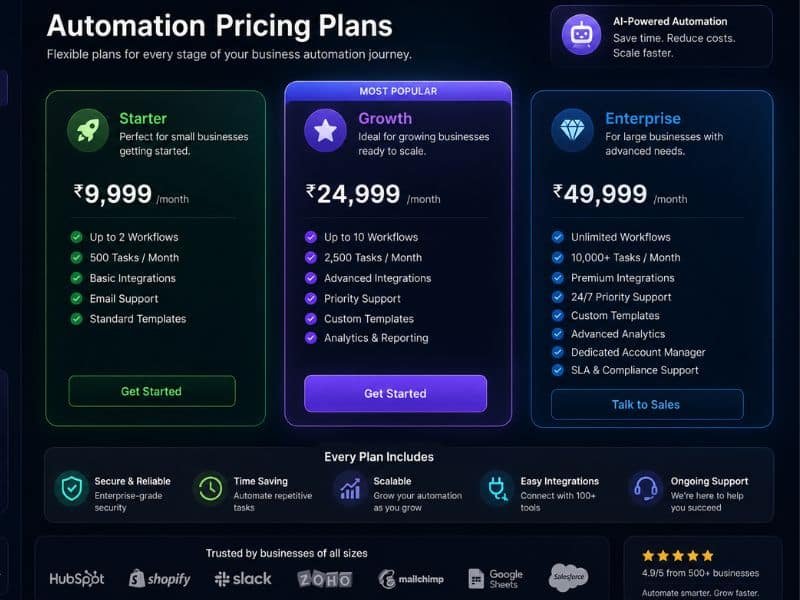
Pricing on all three platforms is usually based on either the number of tasks/operations run per month or execution time, not a flat seat price and this is where bills go sideways for businesses that assume a fixed cost. A workflow that runs fine at 500 tasks a month can suddenly cost three or four times more once a busy season pushes it past 2,000, without you changing anything about how it works. (Pricing may vary by region and changes often check the vendor’s current pricing page before committing to a plan.)
Free tiers exist on all three and are genuinely usable for testing a single workflow before paying for anything. Self-hosting n8n removes the per-task cost entirely, but shifts the cost to your own time or a server bill there’s no such thing as automation that’s free to run, only automation where the cost moves somewhere else.
Where No-Code Automation Breaks (and Why That Matters)
Every automation eventually breaks an app changes its API, a field gets renamed, a connected account loses authorization and the businesses that get burned are the ones that assumed “set it up once” meant “never look at it again.” A workflow silently failing for two weeks because a Google Sheet column moved is a more common failure mode than anything dramatic.
The fix isn’t avoiding automation it’s building in a way to notice when something breaks: an error notification step, or a monthly five-minute check of what actually ran.
Getting Started Without Overbuilding
Start with one process that’s repetitive, low-risk if it goes wrong, and currently eating real time invoice follow-ups or lead intake from a web form are common first choices because a delay or a mistake there is annoying, not catastrophic. Resist connecting five tools together in your first build; a longer chain has more places to fail and is harder to debug when it does.
Frequently Asked Questions
Is no-code automation the same as AI?
No. Most no-code automation runs on fixed rules with no decision-making involved it’s closer to a very reliable assistant that only does exactly what it was told, in the same order, every time.
Do I need to know how to code to use Zapier, Make, or n8n?
Zapier and Make are built for non-coders. n8n can be used without code too, but its interface is more technical and expects you to think through conditional logic yourself.
How much does no-code automation cost for a small business?
Most small businesses start on a free tier or a plan in the $20–$50/month range per tool, then scale up as task volume grows. Cost is usually tied to how much the automation runs, not a flat fee check current vendor pricing before budgeting, since it changes often and varies by region.
Can no-code automation replace an employee?
It can remove a specific repetitive task from someone’s plate, but it can’t handle judgment calls, exceptions, or anything that needs context an app doesn’t have. It’s a tool for freeing up time, not a replacement for a role.
What’s the biggest mistake small businesses make with no-code automation?
Building something complicated on the first try. A single, low-stakes workflow that actually works beats five ambitious ones that half-work and nobody has time to fix.