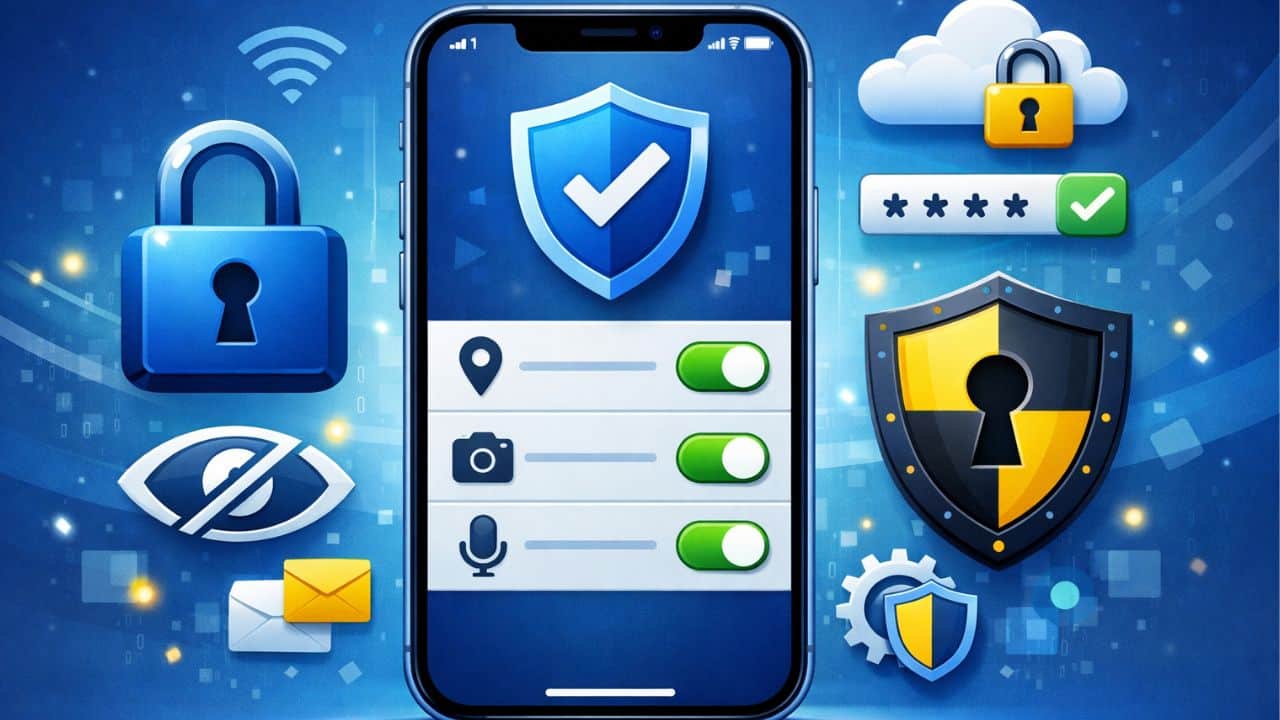
Smartphones hold more personal information than almost any other device. Messages, photos, location history, financial data, health information, and work credentials often live on a single phone. Because of this, privacy and security are not optional features they are essential system requirements.
iOS is designed with privacy and security as core principles rather than add-on features. From the moment an iPhone is turned on, the operating system enforces strict rules about how data is accessed, stored, and shared. These protections work quietly in the background, often without users realizing how much control they have over their information.
For users in the United States, understanding iOS privacy and security fundamentals is critical. Laws, digital services, and advertising models rely heavily on user data. iOS gives users tools to limit tracking, control permissions, and secure their devices against unauthorized access.
This explains how iOS protects personal data, how its security architecture works, and how users can take full advantage of built-in privacy and safety controls.
Privacy and Security Philosophy of iOS
iOS is built around a user-centric philosophy. Instead of treating personal data as a commodity, the system is designed to minimize data exposure and maximize user control.
The operating system follows three core principles:
- Data minimization, where apps only access what they truly need
- Transparency, where users can see and manage permissions
- On-device processing, where possible, to avoid unnecessary data sharing
This approach reduces risk while maintaining functionality.
How iOS Handles Personal Data
iOS separates personal data from apps and services. Each app operates in its own environment and cannot freely access information stored by other apps or the system.
Sensitive data such as contacts, photos, location, microphone input, and camera access require explicit permission. Users can review and modify these permissions at any time through system settings.
By design, iOS limits background data access, reducing the chance of silent tracking or misuse.
App Permissions Explained
Permissions are the foundation of iOS privacy control. Every time an app wants access to protected data, iOS prompts the user to allow or deny that request.
Types of Permissions
Common permission categories include:
- Location access
- Camera and microphone usage
- Contacts and calendar access
- Photos and media access
Permissions can be granted fully, partially, or denied altogether. In many cases, users can allow access only while using the app.
Managing Permissions
Users can review all app permissions in one place and adjust them individually. This centralized control is a key strength of iOS privacy management.
App Tracking Transparency
App Tracking Transparency (ATT) gives users control over cross-app tracking. Apps must request permission before tracking activity across other apps or websites.
If permission is denied, the app cannot use advertising identifiers to profile user behavior. This significantly limits targeted advertising and reduces data sharing with third parties.
ATT represents a major shift toward user-controlled privacy in mobile operating systems.
Location Privacy Controls
Location data is among the most sensitive information stored on a smartphone. iOS provides detailed controls to manage how and when location data is shared.
Users can:
- Allow location access always, while using the app, or never
- Grant approximate location instead of precise coordinates
- Review location access history
These controls help prevent unnecessary or excessive location tracking.
On-Device Processing and Privacy
Many iOS features process data directly on the device rather than sending it to external servers. This reduces exposure and improves privacy.
Examples include:
- Face recognition for photos
- Keyboard predictions
- Certain Siri requests
On-device processing ensures that personal data remains under user control.
Security Architecture of iOS
Security in iOS is enforced at multiple system levels. These layers work together to protect data even if one component is compromised.
Secure Boot Chain
Every time an iPhone starts, iOS verifies that the operating system has not been altered. If integrity checks fail, the device prevents unauthorized software from running.
This secure boot process ensures that only trusted software loads on the device.
Encryption in iOS
Encryption is fundamental to iOS security. Data stored on the device is encrypted automatically, protecting it from unauthorized access.
Each file is encrypted using unique keys tied to the device hardware. Without proper authentication, encrypted data remains inaccessible.
Encryption protects:
- Messages and emails
- Photos and videos
- App data and system files
Biometric Authentication
iOS supports biometric authentication through Face ID and Touch ID. These technologies replace traditional passwords with secure biometric data stored on the device.
Biometric data never leaves the device and is not accessible to apps or external services. This design prevents biometric information from being shared or misused.
Biometric authentication improves both convenience and security.
Device Lock and Passcodes
A strong device passcode is the foundation of iOS security. Even with biometric authentication, the passcode protects encrypted data and system access.
iOS enforces delays and data protection measures after multiple failed passcode attempts. These safeguards protect against brute-force attacks.
Users are encouraged to use longer, complex passcodes for maximum security.
App Sandboxing
Every app on iOS runs in a sandbox. This means it can only access its own data and cannot interact freely with other apps or system files.
Sandboxing prevents:
- Data leakage between apps
- System corruption
- Unauthorized background activity
Even if an app behaves maliciously, its impact is limited by design.
Malware Protection on iOS
iOS significantly reduces malware risk through strict app review policies and system controls. Apps distributed through official channels are reviewed for security and privacy compliance.
Additionally, iOS limits:
- Background execution
- Access to system APIs
- Installation of unverified software
These measures make large-scale malware outbreaks extremely rare.
Network and Internet Security
iOS includes built-in protections for network communication. Secure connections are enforced for many system services, reducing exposure to interception.
Users benefit from:
- Encrypted web traffic
- Secure Wi-Fi handling
- VPN support
These protections safeguard data during online activity.
Apple ID Security
The Apple ID is central to iOS security. It controls access to cloud services, backups, and device management.
iOS supports multi-factor authentication, which adds an extra layer of protection beyond passwords. Account recovery tools help users regain access securely if credentials are lost.
Protecting the Apple ID is critical to overall device security.
iCloud and Data Protection
Cloud synchronization introduces privacy concerns, but iOS applies strong protections to cloud-stored data.
Data synced through cloud services is encrypted during transmission and storage. Users can control what data is backed up and synced across devices.
Advanced encryption options further limit access to sensitive information.
Safety Features Beyond Privacy
iOS includes safety features designed to protect users in real-world situations.
These features include:
- Emergency calling tools
- Location sharing controls
- Device recovery options
Safety tools extend privacy and security beyond digital threats.
Managing Privacy for Children and Families
iOS provides tools for managing privacy and safety for younger users. Parents can limit app access, control content, and manage permissions.
These controls help families balance safety with usability.
Regular Security Updates
iOS receives frequent security updates delivered directly by Apple. This direct update model ensures that users receive critical patches without delay.
Regular updates address vulnerabilities and improve system resilience over time.
Common Privacy Myths About iOS
Many users believe privacy controls are complex or restrictive. In reality, iOS simplifies privacy management by centralizing controls and offering clear choices.
Another misconception is that privacy reduces functionality. iOS demonstrates that strong privacy and modern features can coexist.
Who Should Focus on iOS Privacy and Security?
Understanding iOS privacy and security is essential for:
- Everyday smartphone users
- Professionals handling sensitive data
- Parents managing family devices
- Privacy-conscious individuals
Knowledge empowers users to protect themselves proactively.
iOS privacy, security, and safety are not separate features they are built into the operating system’s foundation. From encryption and sandboxing to transparent permissions and biometric authentication, iOS prioritizes user control and data protection.
By understanding these fundamentals, users gain confidence in managing their devices, protecting personal information, and navigating the digital world safely. This pillar page provides the framework for deeper topics such as app permissions, account security, and advanced privacy controls.
Apps must request permission for tracking and data access. Users can deny or revoke permissions at any time.
iOS emphasizes security through strict app controls, sandboxing, and long-term updates. While no system is perfect, iOS significantly reduces common risks.
iOS includes device-level encryption and recovery tools that protect data even if the device is physically compromised.