



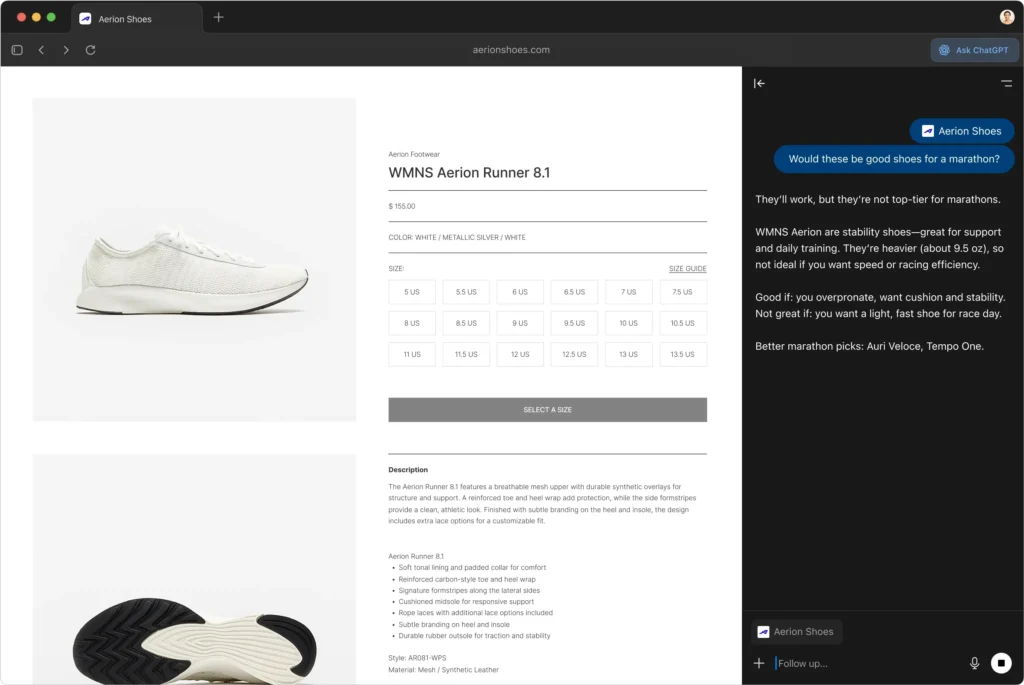
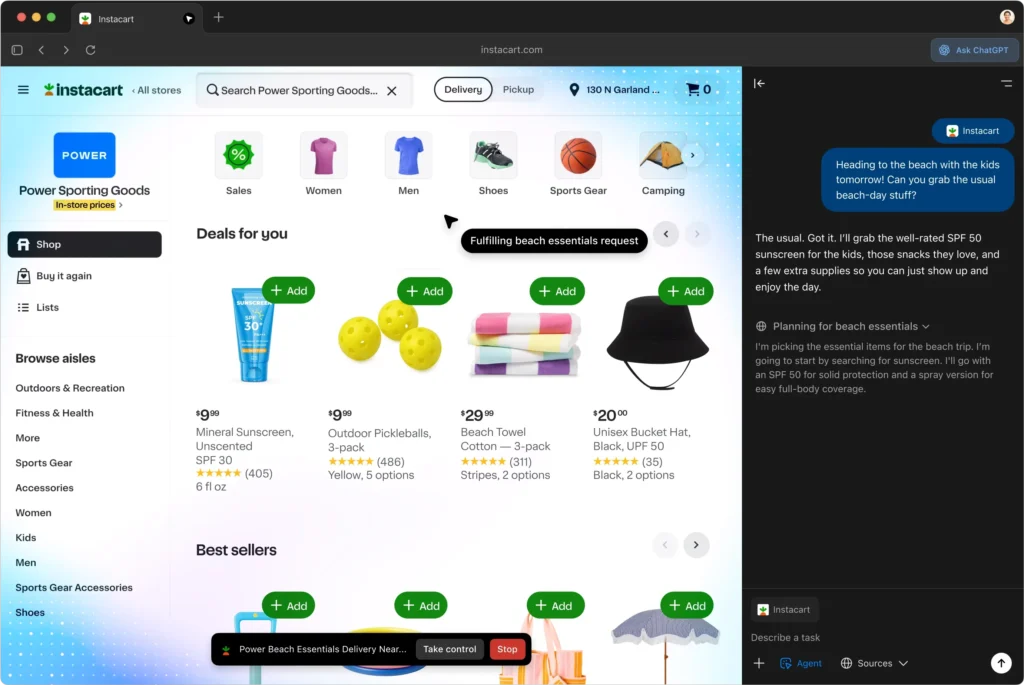
ChatGPT Atlas is gaining traction quickly in the browser world, signaling OpenAI’s serious push into AI-powered web experiences. The browser’s latest major upgrade enhances its usability and reliability on macOS, making it a more practical tool for everyday browsing. This progress marks a shift from an experimental phase to a more mature, functional AI assistant integrated into a browser environment.
Users switching from other browsers will find the updates particularly welcome as they bridge gaps in user experience. With improvements like better tab management, integration options, and streamlined navigation, ChatGPT Atlas is shaping up to be a competitive alternative to established players. The update reflects OpenAI’s responsiveness to early user feedback, emphasizing essential features that elevate the browser’s utility beyond AI curiosities.
Moreover, the update on ChatGPT Atlas arrives alongside notable advancements in its AI capabilities, such as more capable and clearer answers powered by GPT-5.1 Pro. These backend enhancements improve the overall responsiveness and usefulness of the AI assistant embedded in the browser, making multitasking and research smoother for users. ChatGPT Atlas is not just a browsing tool but an evolving AI companion designed to enhance productivity and information access
ChatGPT Atlas Key Features at a Glance
- Extensions Import: ChatGPT Atlas now allows users to import their existing browser extensions from Chrome or Edge, simplifying the transition and preserving their preferred tools and customizations without rebuilding setups manually.
- iCloud Passkeys: The browser supports iCloud Passkeys on macOS, enabling users to create and use secure passkeys that sync seamlessly across Apple devices for enhanced login security and convenience.
- New Downloads UI: A redesigned downloads interface improves user experience by making file management more intuitive and visually accessible within the browser.
- “Insert” Button in Ask ChatGPT Sidebar: Users can now directly insert AI-generated responses into text fields via an “Insert” button, streamlining workflow and boosting productivity during web tasks.
- Faster Ask ChatGPT Sidebar: Performance optimizations have made the Ask ChatGPT sidebar load and respond more quickly, enhancing user interaction and efficiency within the browsing environment.
