


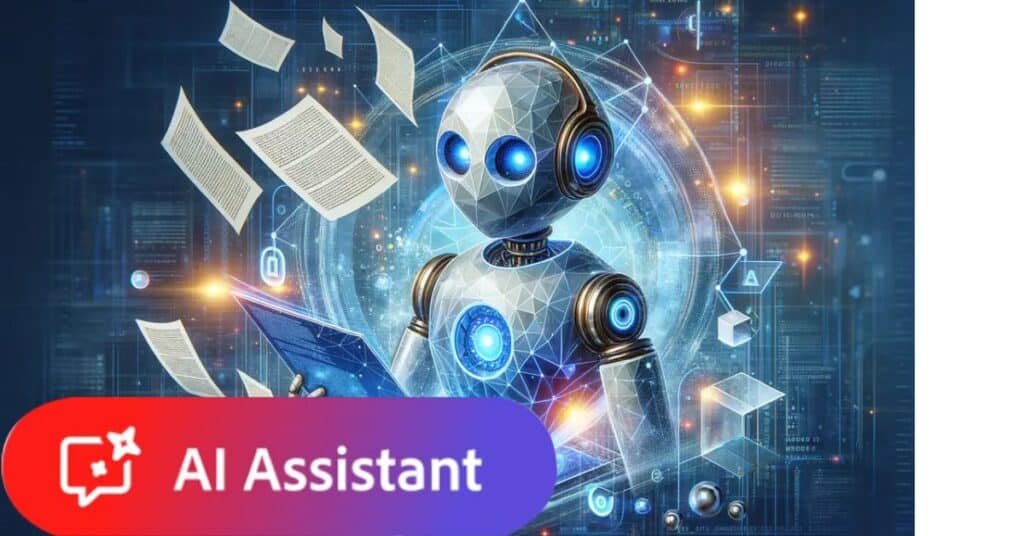
Adobe AI Assistant took center stage at the Adobe Max 2025 event, where Adobe revealed its latest wave of artificial intelligence upgrades across multiple platforms. The biggest announcement was the integration of AI assistants into Photoshop, Express, and Firefly, empowering creators to automate complex tasks and enhance productivity with precision-driven intelligent tools.
Adobe’s focus this year is clear — to make content creation faster and smarter with the Adobe AI Assistant. Photoshop now features conversational editing, allowing users to modify images through natural language prompts. Firefly expands its capabilities with fresh AI-driven audio and video generation tools, marking Adobe’s deeper entry into multimedia automation.
The company also announced Firefly Image Model 5, which delivers 4-megapixel native resolution, lifelike image quality, and advanced prompt-based editing. Adobe AI Assistant plays a core role here, enabling smoother collaboration between creative tools and AI features. The new model also supports multi-layered editing for more intuitive creative workflows across Adobe platforms.
In addition to its in-house models, Adobe is opening Firefly to partner integrations, giving users access to multiple AI model options. The Adobe AI Assistant will act as a bridge, uniting these models within a single framework and offering creators a flexible, unified experience across image, video, and design editing modules.
Adobe’s latest innovations reinforce its commitment to redefining digital creativity through artificial intelligence. With the introduction of AI assistants and generative media tools, the company continues to transform how professionals and hobbyists engage with visual content. The Adobe AI Assistant marks a significant leap forward in Adobe’s evolving ecosystem of intelligent creative software
$ADBE rolled out a huge wave of AI upgrades across Creative Cloud:
— Wall St Engine (@wallstengine) October 28, 2025
Adobe has added partner AI models from Google, OpenAI, Runway, Topaz and ElevenLabs for things like smarter generative fill, upscaling and audio creation.
Photoshop now has an AI Assistant that handles… pic.twitter.com/VTzvVR6EO8
key features of adobe ai assisstant
| Feature | Description | Benefit | Related Model/Tech |
|---|---|---|---|
| Conversational Editing | Perform edits via natural language commands like “brighten this” or “resize for Instagram.” | Simplifies complex edits and saves time by automating repetitive tasks. | Agentic AI Assistant |
| Multi-layered Editing | Enables editing of individual image elements as separate layers with prompt-based control. | Allows precise and granular adjustments for photorealistic results. | Firefly Image Model 5 |
| Generative Fill | Add, remove, or replace objects in images using AI models, including third-party options like Gemini. | Expands creative flexibility and generates realistic image modifications. | Firefly, Google Gemini, Black Forest Labs |
| Generative Upscale | Enhances low-resolution images to 4K quality using Topaz Labs AI engine. | Improves image clarity and detail for professional-quality results. | Topaz Labs AI |
| Harmonize | Seamlessly matches lighting, color, and tone when compositing objects into new backgrounds. | Creates natural and realistic composites without manual adjustments. | Native Photoshop AI |
| Personalized Tutorials | AI Assistant offers tailored editing suggestions and workflow tutorials based on user needs. | Helps users learn advanced techniques and optimize workflow efficiently. | Agentic AI Assistant |
| Agentic Mode Interface | Simplified UI that focuses on intent via prompts rather than traditional menus and sliders. | Reduces interface complexity for a more intuitive creative experience. | Photoshop AI Assistant |
